By MagicPaletteStudios · Free to play

Where Every Child
Becomes an Artist

MagicPalette is a colorful, voice-guided creative playground designed for kids to draw, color, and explore — packed with six magical modes, each bursting with its own tools and personality.
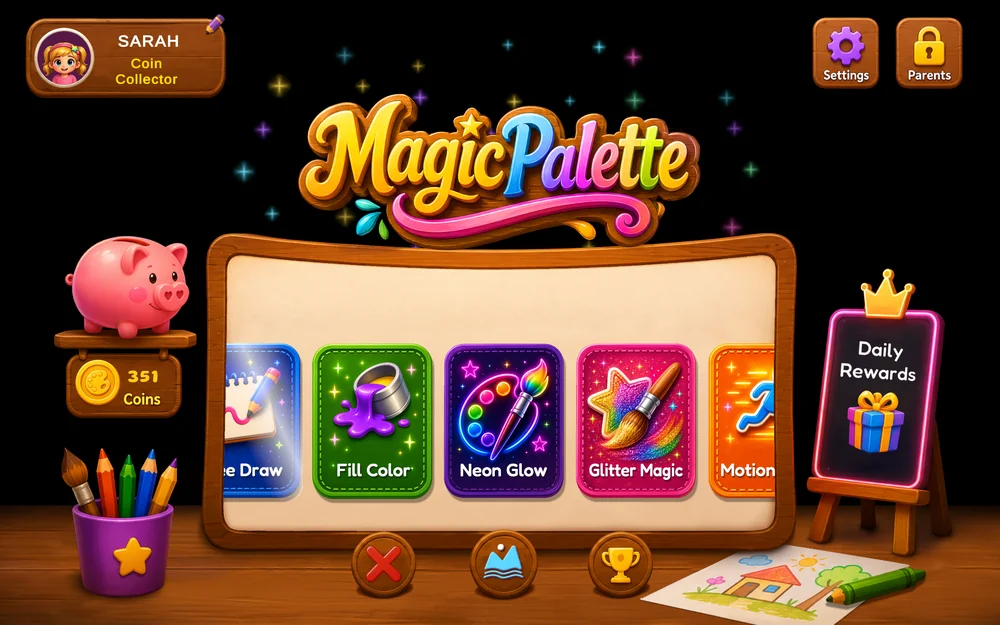
MagicPalette home screen Home Page
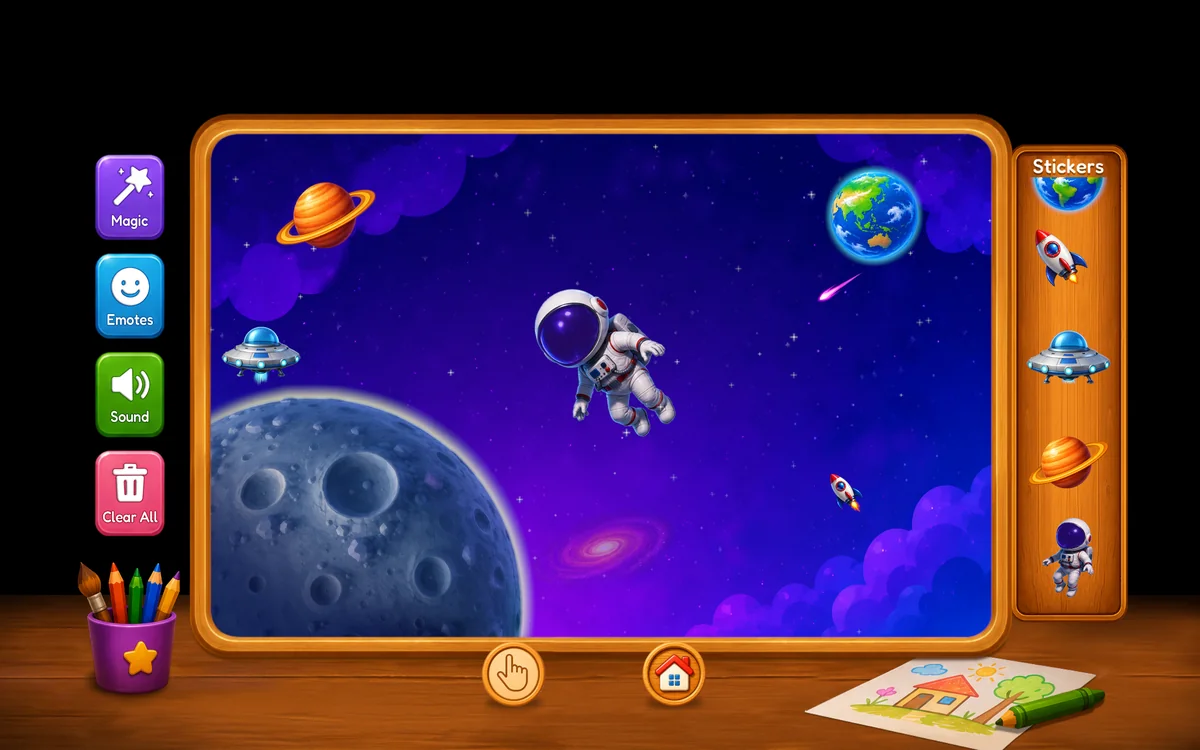
MagicPalette MotionPlay mode Motion Play
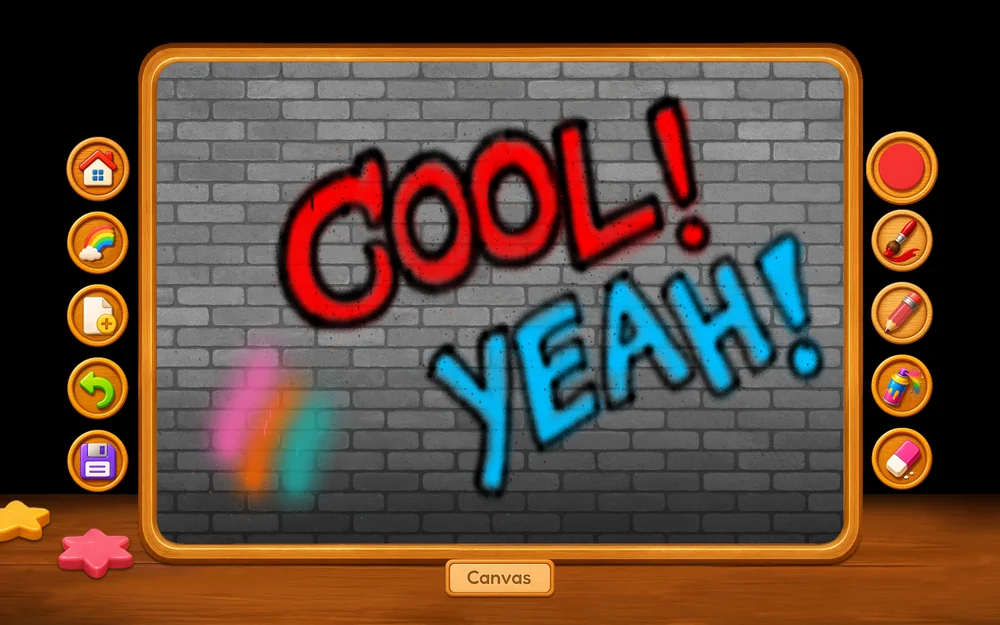
MagicPalette spray paint tool Spray Paint
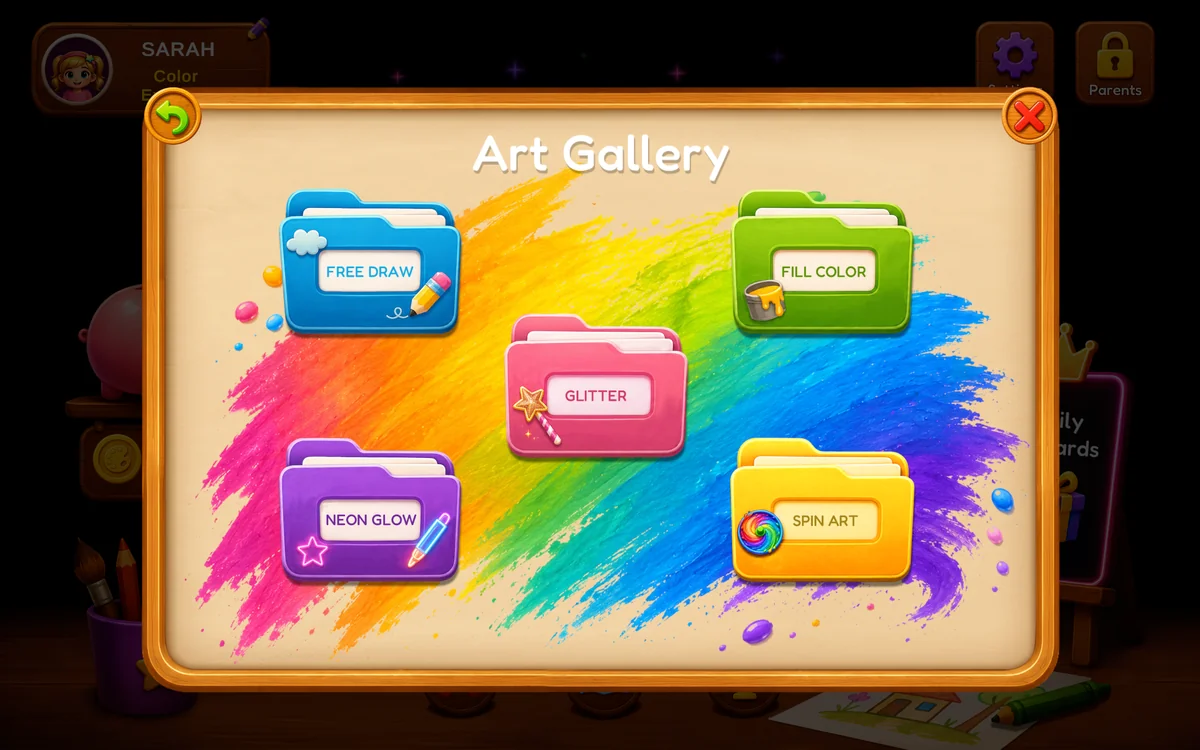
MagicPalette art gallery screen Gallery
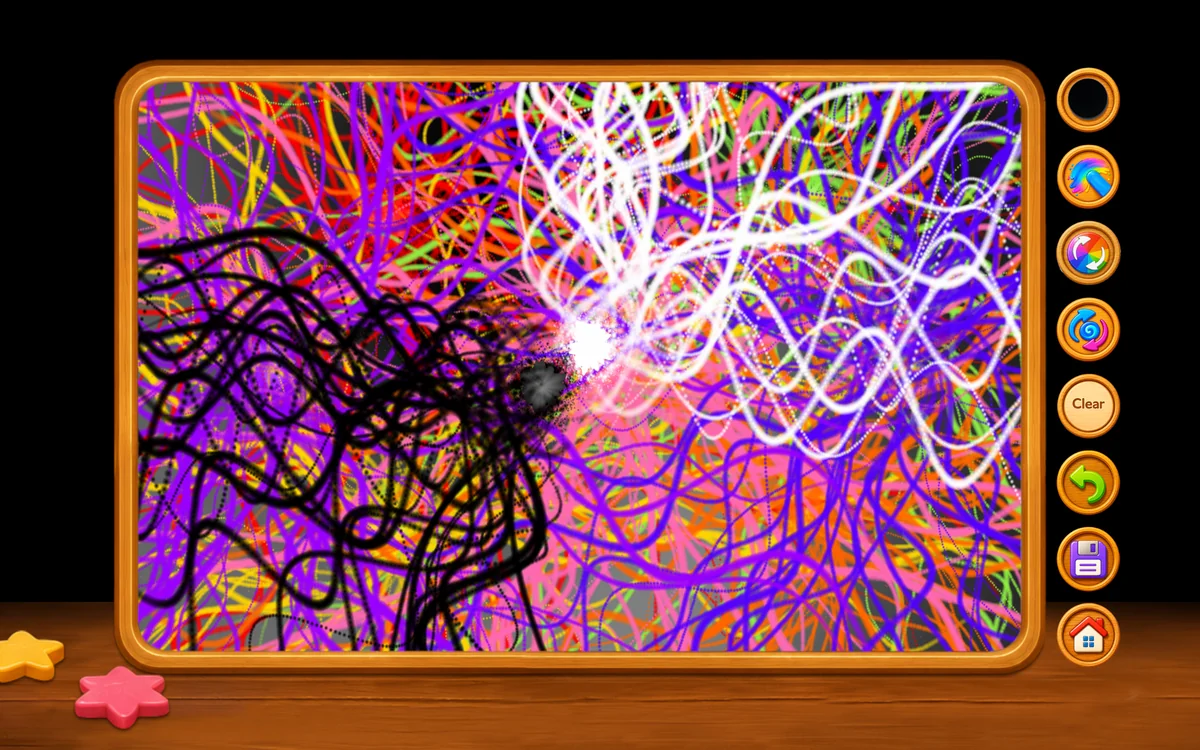
MagicPalette spin art mode Spin Art
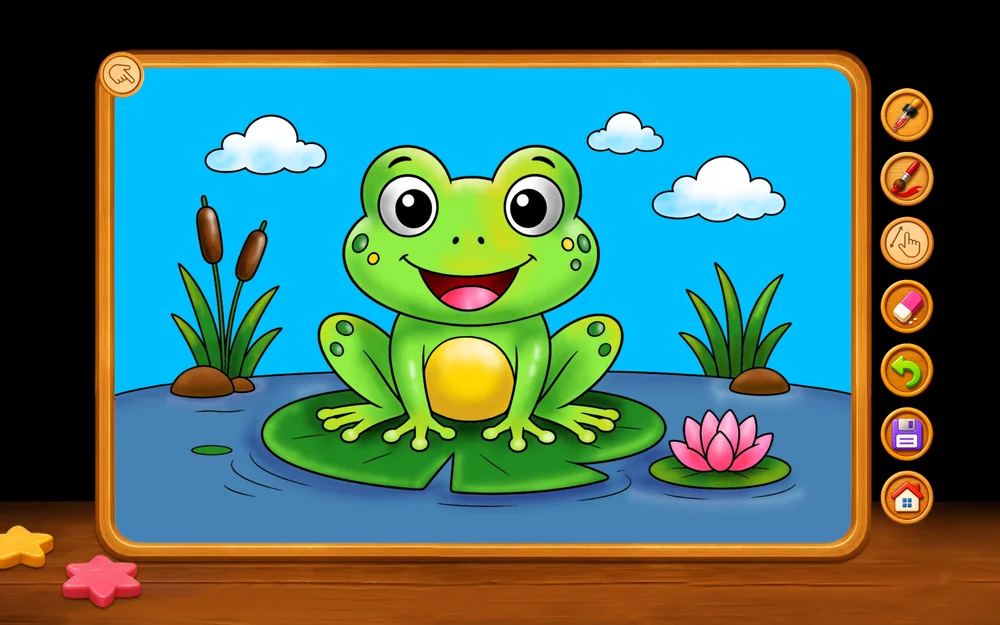
MagicPalette fill color mode Fill Color
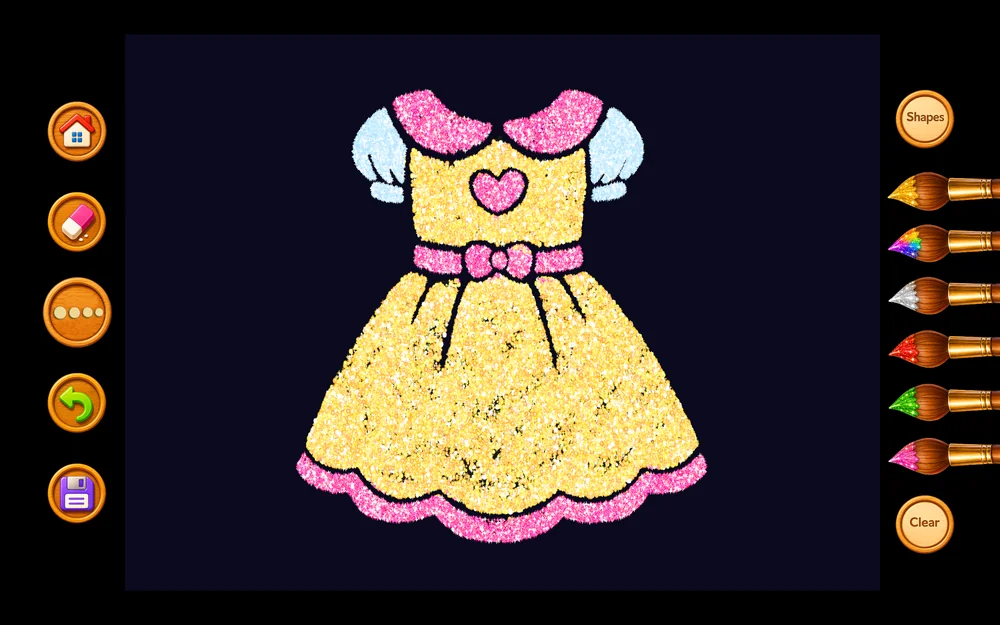
MagicPalette glitter magic mode Glitter Magic
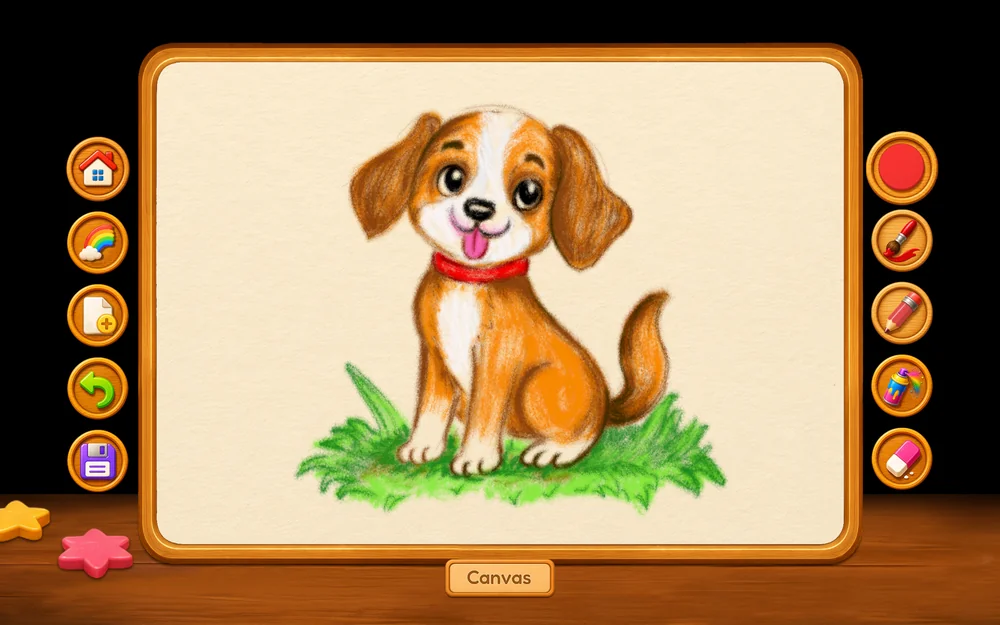
MagicPalette free draw mode Free Draw
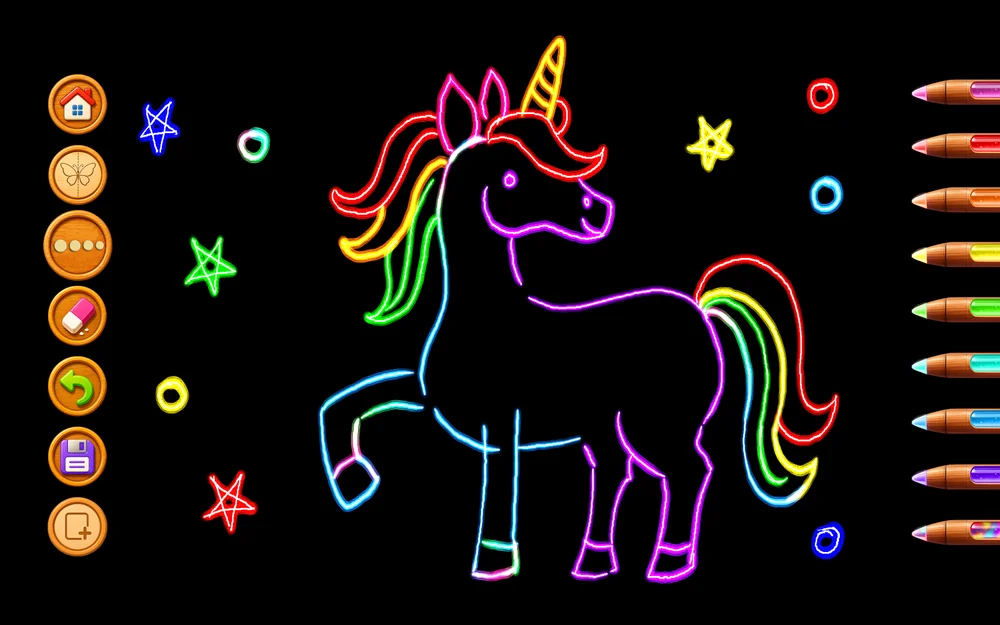
MagicPalette neon glow mode Neon Glow
What's inside

Six ways to create

FreeDraw

Sketch freely with brushes, pencils, and a special spray paint tool, on three different canvas textures to match any mood.

Fill Color

Bring 50 beautiful coloring pages to life with fill and shading brushes for rich, expressive artwork.

Neon Glow

Draw with glowing premium pencils on a dark canvas, complete with a mirror sketch mode for stunning symmetrical art.

GlitterMagic

Sparkle and shine with premium glitter brushes and dazzling shapes for that extra bit of magic.

MotionPlay

Build living scenes across 8 different worlds — Space, Underwater, Sky, Jungle, Dinosaur Land, Vehicles, Fantasy Land, and Winter — each filled with animated characters to place and play with.

SpinArt

Pick a mix of colors and give it a spin — every spin creates a one-of-a-kind abstract painting. Then use the smudge tool to blend and draw right into the swirl.

A friendly voice, every step

It talks kids through the magic.

Every scene comes alive with warm, friendly narration guiding kids every step of the way — celebrating their creativity, encouraging exploration, and making every tap feel like magic.

Buzz. Draw. Repeat.

How it's free

Free to play. Earn as you go. Unlock once if you want.

MagicPalette is free to download and free to use. Premium brushes, coloring packs, and characters unlock with coins — and there are three ways to get them.

Way 1

Play & earn

Coins add up naturally the more time your child spends drawing — no extra taps required, no waiting on a timer to interrupt them.

Way 2

Watch & earn

Kids can choose to watch a short, optional video ad for a bonus handful of coins. Ads are never forced and never interrupt drawing — they're only ever something a child opts into for a reward.

Way 3

Unlock everything

One single one-time purchase removes ads completely and unlocks every brush, character, and coloring pack for good. No subscription, no recurring charge.

MagicPalette app icon Get MagicPalette

Free to download. Nothing to sign up for.

Questions

Good to know

What ages is MagicPalette for?

It's designed for kids roughly ages 3–10, with large touch targets and no text-heavy menus — but honestly, grown-ups doodle in it too.

Will my child see ads?

Only if they choose to. Ads in MagicPalette are optional and reward-based — a child taps to watch one in exchange for bonus coins. There are no ads that interrupt drawing, and no ads are personalized to children.

Is there a subscription?

No. The only paid option is a single one-time purchase that removes ads and unlocks all content permanently. There's no recurring billing anywhere in the app.

Can my child buy something without me knowing?

No. The one-time purchase requires completing a parental gate first, and it uses the App Store's or Google Play's standard purchase confirmation — the same protections you'd expect from any app.

Does it need an internet connection?

The core drawing experience works fully offline. An internet connection is only used for optional ads, downloading new coloring-page packs, or completing a purchase.

What data does MagicPalette collect?

See our privacy policy for the full details on what we collect (very little) and how ads and purchases work behind the scenes.